
Asan Chungmu High School
From Korean Language Classes to Consultations,
Connecting People with LiveBridge
Supporting students and parents who speak different languages.
We delivered one LiveBridge package and trained school staff to use the real-time translation solution.
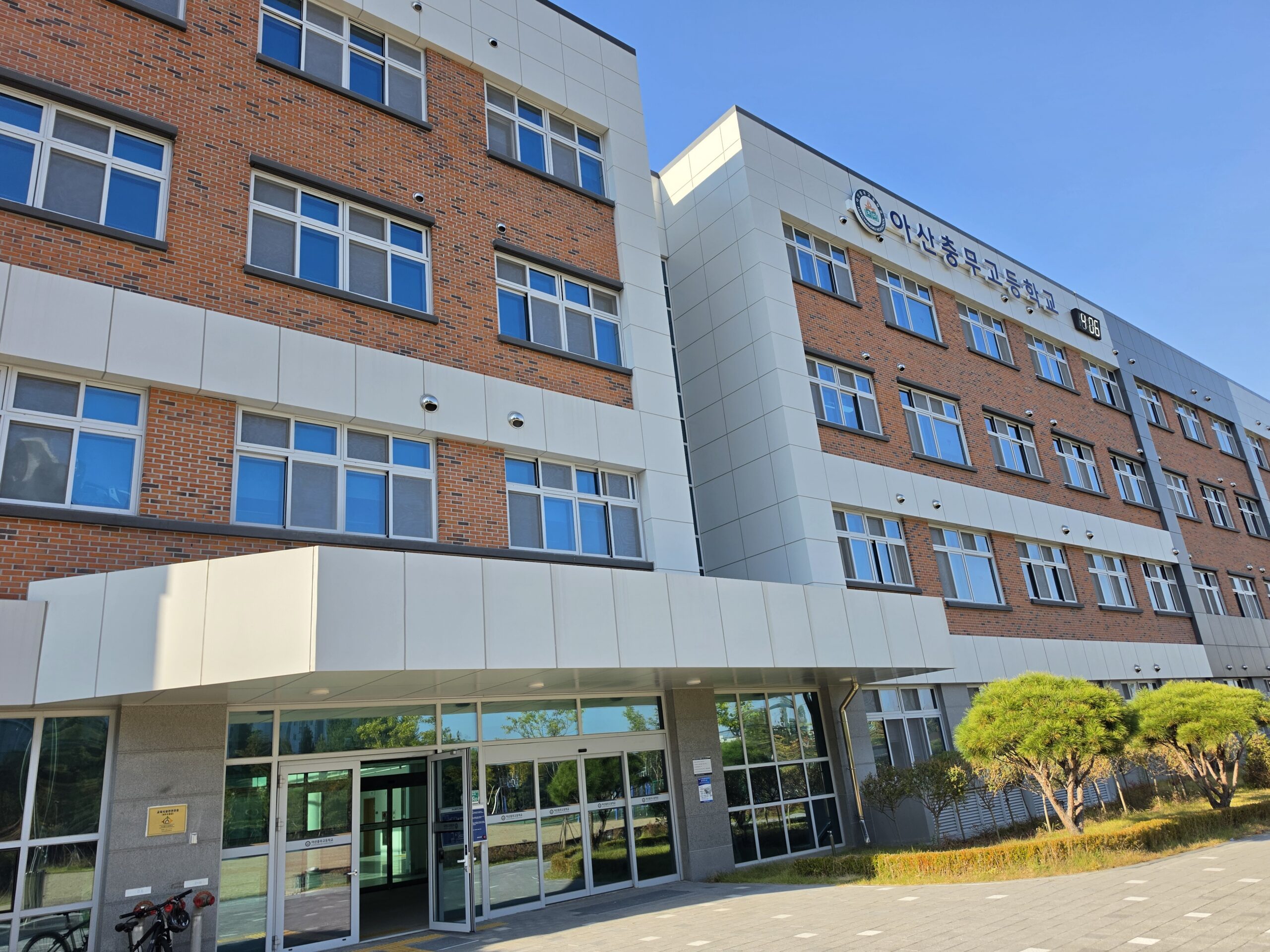
- Institution
- Asan Chungmu High School
- Solution Delivered
- 1 LiveBridge Package0Installation & Training
- Installation & Training
- Laptop Installation · Staff Training
- Planned Uses
- Korean Language Classes · Student & Parent Consultations
A Classroom of Many Languages,
Translation for Better Understanding
Asan Chungmu High School runs a multicultural class selected by the Chungnam Office of Education. Students who speak Khmer, Chinese, Vietnamese, Uzbek, Russian, and other languages learn together.
LiveBridge was introduced to help students understand their teachers’ explanations in Korean language classes and support communication during consultations with students and parents.
These are the main languages spoken by students and do not represent the simultaneous subtitle output configuration.
Lesson Materials & Translated Subtitles
Together on One Interactive Whiteboard
LiveBridge has been installed on a school laptop. The school plans to connect it to an interactive whiteboard and use a split-screen layout to display lesson materials alongside translated subtitles.
- STEP 01 · Installation Completed
Installed on a Laptop
LiveBridge was installed on a school laptop in preparation for classroom use.
- STEP 02 · Connection Planned
Connect to an Interactive Whiteboard
The school plans to display the laptop screen on an interactive whiteboard so students can follow along together.
- STEP 03 · Planned Use
Display Subtitles in Split-Screen Mode
Lesson materials and translated subtitles will be displayed side by side to help students understand the teacher’s explanations.
This diagram is for illustration only and does not show the actual product interface or classroom setup. The screen layout and subtitle languages will be configured to suit each lesson.
Extending Classroom Communication
to Students and Families
Beyond Korean language classes, the school plans to use translated subtitles as a communication aid during consultations with students and parents.
Conversations About School Life & Learning
Translated subtitles will help students follow explanations and guidance during consultations, making it easier to understand the discussion.
Communication Between School & Home
Translated subtitles will support communication between teachers and parents who speak different languages when discussing students’ school life and learning.
From Installation to User Training,
Support for Everyday School Use
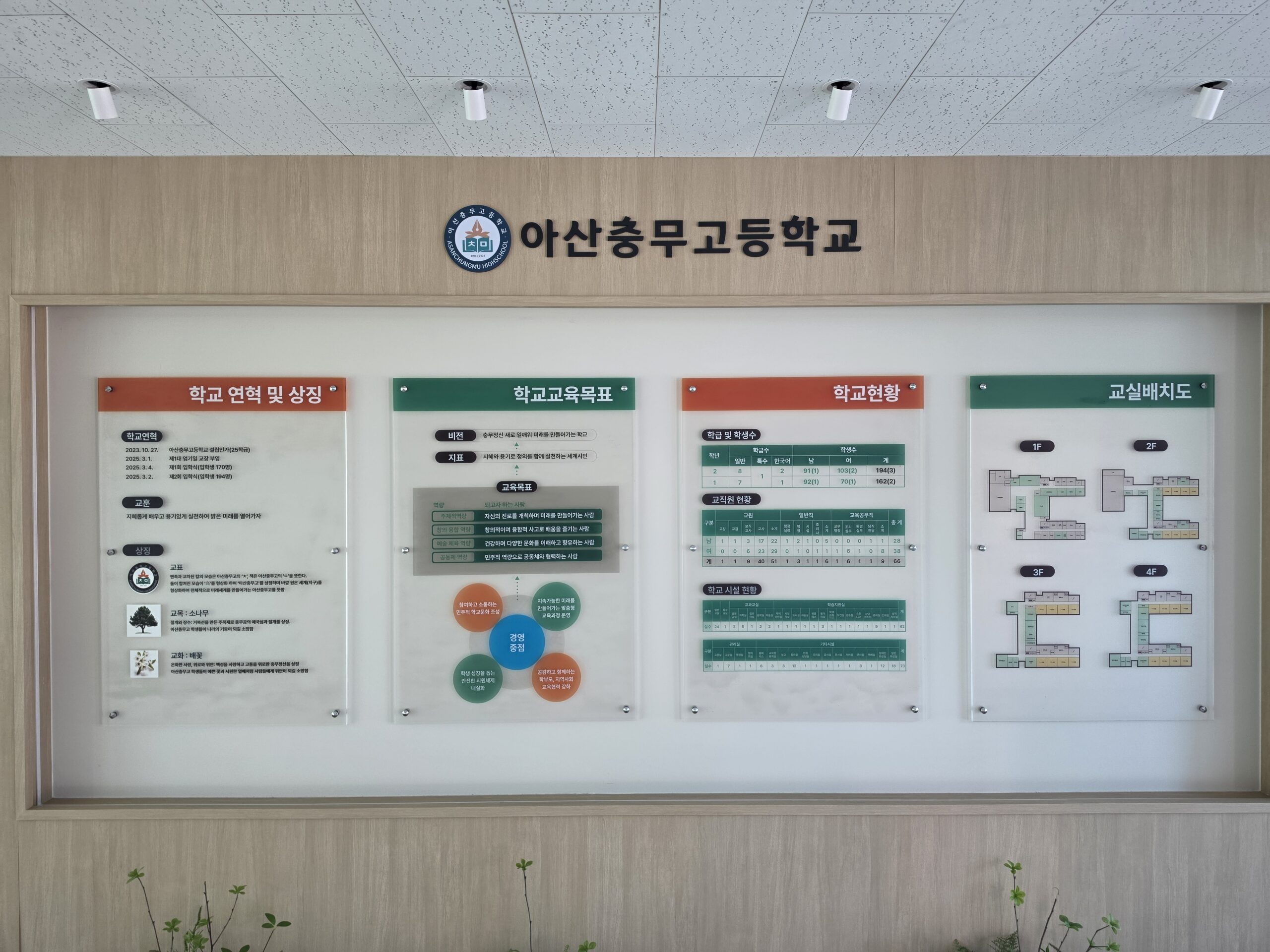
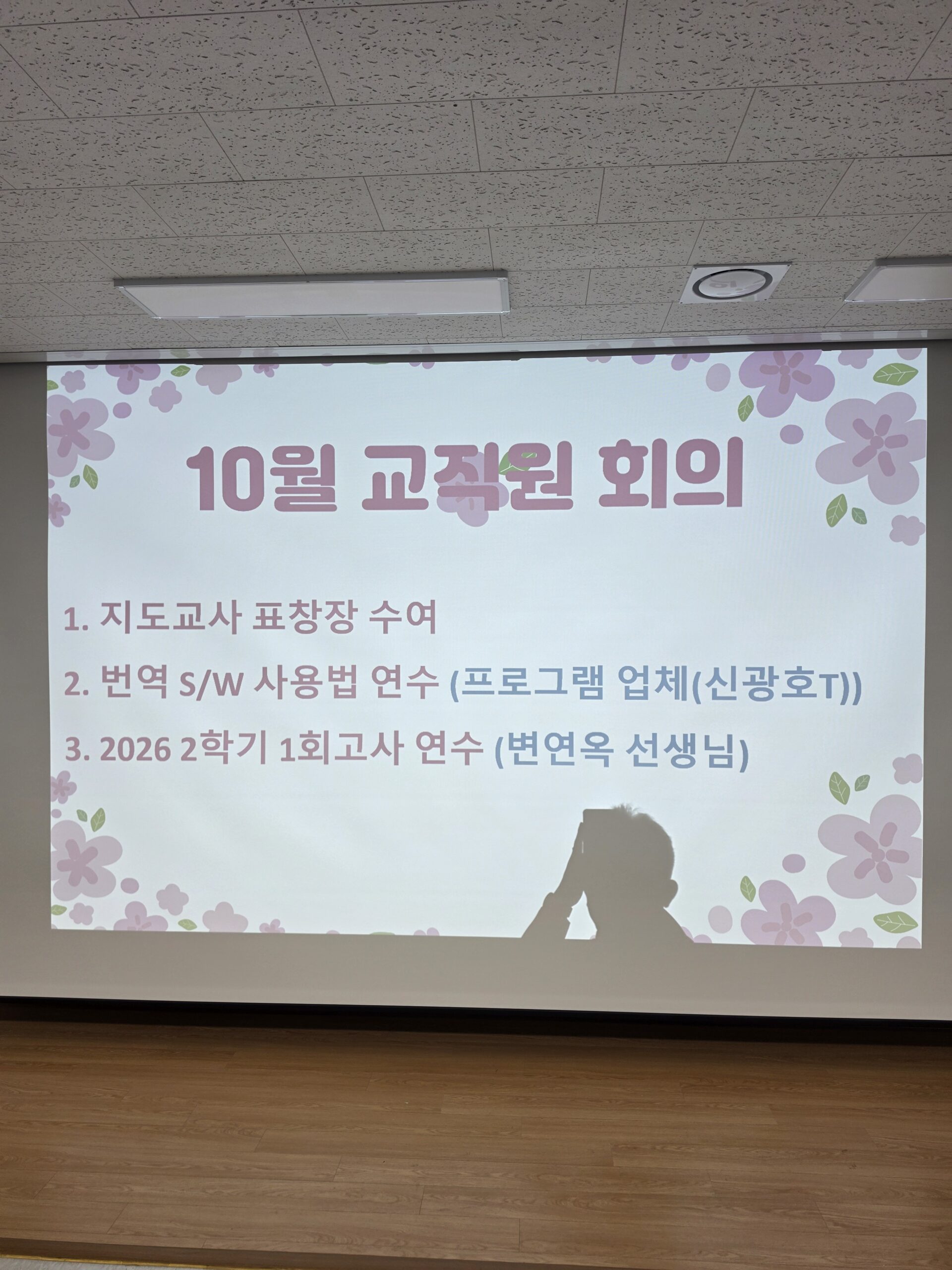
We delivered one LiveBridge package, completed installation on a laptop, and provided staff training. The session covered how to use the solution in everyday school settings.

Bringing Languages Together at School,
LiveBridge Helps Everyone Connect.
From Korean language classes to student and parent consultations.
Talk to CRAFTIVE about real-time translation for your school.